Consumer router
ISP-supplied flat network with default admin habits.

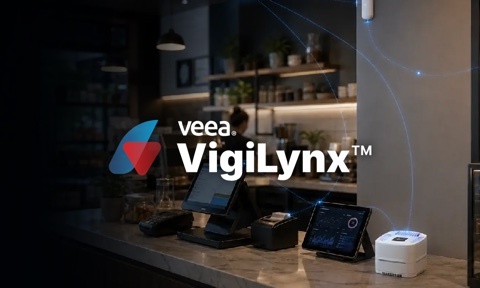
One VeeaHub. One managed location.
VigiLynx brings secure connectivity, cybersecurity, cameras, sensors, incidents, operating history, and remote management together in one expandable platform.
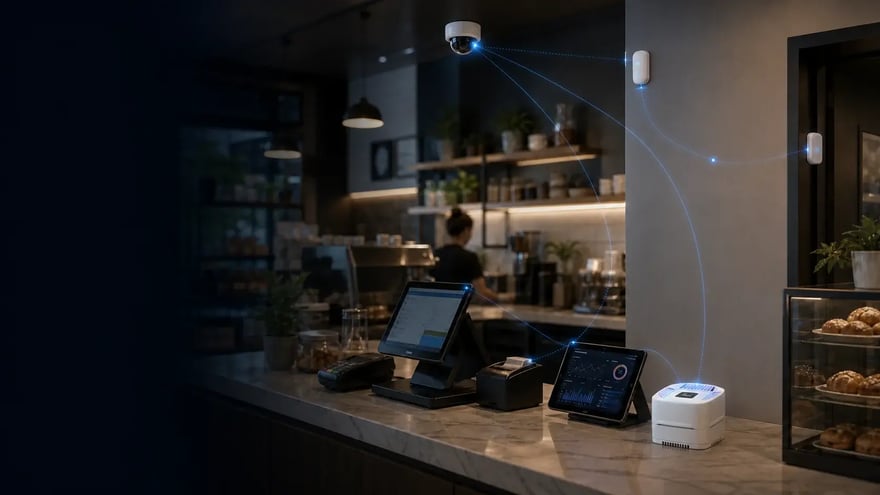
The average SMB site already depends on payments, staff devices, guest Wi-Fi, cameras, sensors, cloud applications, and remote access. Almost none of it was designed to work as one secure system.
Failure mode 01
Payment terminals, guest phones, cameras, sensors, and IoT devices often share too much trust. A compromise anywhere can reach systems meant to stay isolated.
Failure mode 02
The router, cameras, sensors, cloud apps, and support tools each report somewhere different. What is actually happening at the site becomes anyone's guess.
Failure mode 03
When something breaks, the ISP blames Wi-Fi, the camera installer blames the network, and the business owner drives to the site. Every incident becomes expensive.
VigiLynx consolidates disconnected site tools with one compact platform for connectivity, security, cameras, sensors, local services, policy, and remote operations.
ISP-supplied flat network with default admin habits.
Separate vendor, separate login, rarely tuned for the site.
Guest and staff often share one SSID with limited isolation.
Video lives on its own island until something happens.
Sensors report to yet another portal with limited context.
Port forwarding, shared credentials, and unclear ownership.
One aging application running under the counter.
Seven contracts, seven renewal dates, zero coordination.
No shared policy. No shared visibility. No one accountable for the whole site.
VigiLynx
Connectivity, security, compute, and local services at the site.
Payments, guests, employees, cameras, and sensors get governed profiles.
IoT Pulse readings and VeeaVision camera context become one asset-centered operating memory.
Rules turn telemetry, video, security posture, and assets into incidents and notifications.
Teams see the site, triage issues, and verify fixes without a truck roll.
Add VHC25 units, cameras, sensors, and services as the location grows.
One site can become a managed fleet with shared visibility and service history.
The service provider can install, monitor, protect, and expand the site.
One site footprint. One policy model. One managed service the business can keep expanding.
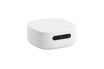
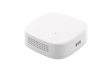
VigiLynx runs on the VeeaHub, a compact edge platform that consolidates connectivity, Wi-Fi, segmentation, threat controls, sensor and camera services, and local applications at the site. Supported Edge AI compute can be added when advanced local inferencing is required. Add VHC25 units when the location needs more coverage.
VigiLynx
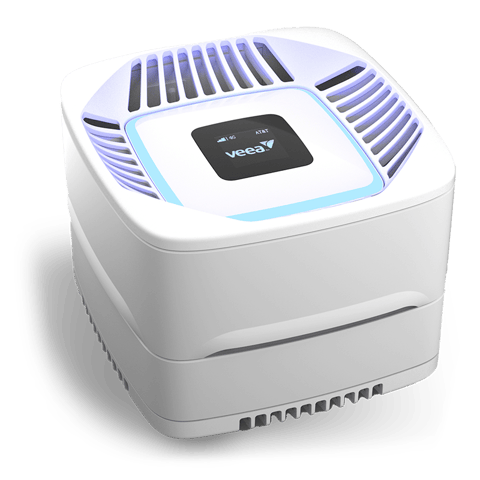
One installation supports connectivity, security, local compute, sensors, cameras, and remote operations.
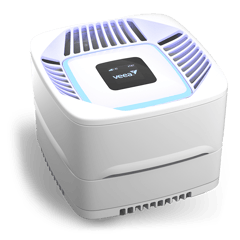
Additional hubs can auto-mesh into the same managed site.
Optional edge accelerators can join the managed environment for heavier local inference.
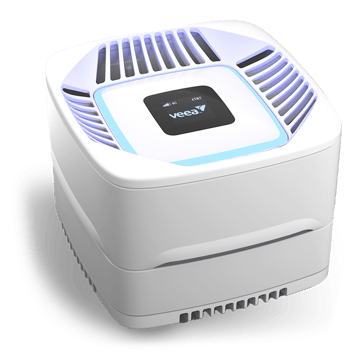
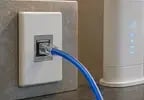 Wired or 5G broadband
 Payment terminals
 Staff devices
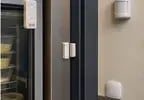 Physical sensors
 Local applications
 Cloud apps
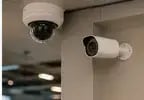 Cameras
 Guest Wi-Fi
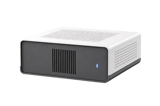 Optional edge AI
SecureConnect identifies each endpoint, places it in the right security profile, and controls what it can access.
Follow one business asset from unmonitored to a fully documented incident, then zoom out to the fleet. The asset is the center. Sensors, cameras, rules, readings, evidence, and response history are connected to what they belong to.
Start simple. Protect the asset today. Build the operating memory that helps operators understand the site over time.
Illustrative site view, 1 incident requiring attention
1incident requiring attention
IoT Pulse finds the sensor. VeeaVision brings in the camera. VigiLynx places both into the managed site record.
Enroll Device Auto discover nearby devices
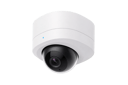 Camera
Video evidence ready
Camera
Video evidence ready
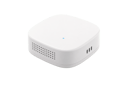 Temp and humidity
Readings live
Temp and humidity
Readings live
Devices are connected through the managed site environment.
Sensors and cameras stay separated from payments, guests, and staff devices.
The operating record begins before there is an alert.
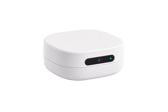
Temperature, door state, power behavior, and video now belong to the same business asset and location record.
 TS-01Temperature probeOnline
 DC-01Door contactClosed
 PM-01Power monitorNormal
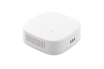
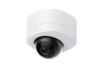 CAM-03Cold-storage cameraReady
Readings, power, door state, and camera availability are kept together so a later alert already has context.
Live cold-storage reading
Sensor and magnet aligned
Evidence clip available when policy triggers
VigiLynx gives the operator a simple rule: keep Cold Storage Unit 1 inside an approved range, attach camera evidence, and notify the right people immediately through their chosen channels when the rule is broken.
If temperature stays outside the configured range for five minutes, create an incident with readings, door state, power behavior, and camera clip.
Instead of a loose sensor alert, VigiLynx creates one incident, sends the configured notifications, and gives the operator the asset, site, rule, video context, and response path.
 Evidence clip
The operator sees the camera clip, alert history, device state, and sensor trend as one reviewable event that stays with the asset.
Jul 17, 2026, 12:55 PMvalue: 47.7 °F
Time inside configured operating bands.
Median time from alert to operator review.
Austin North needs evidence review.
The same workflow can protect and monitor different business environments. The asset names change, but the operating model stays consistent: connect devices, assign assets, set rules, receive incidents, review evidence, build memory, and operate every location.
Examples, not limits
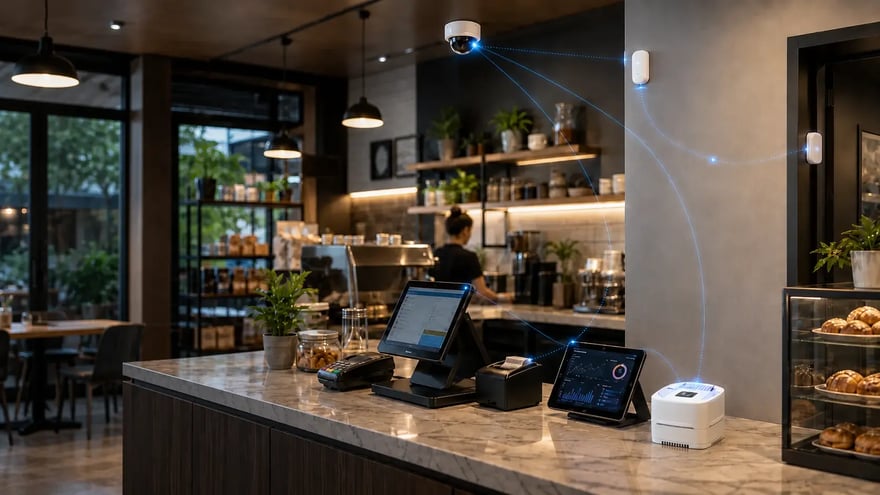
Secure payments, staff and guest access, monitored equipment, storage conditions, entrances, and cameras without changing the operating model.
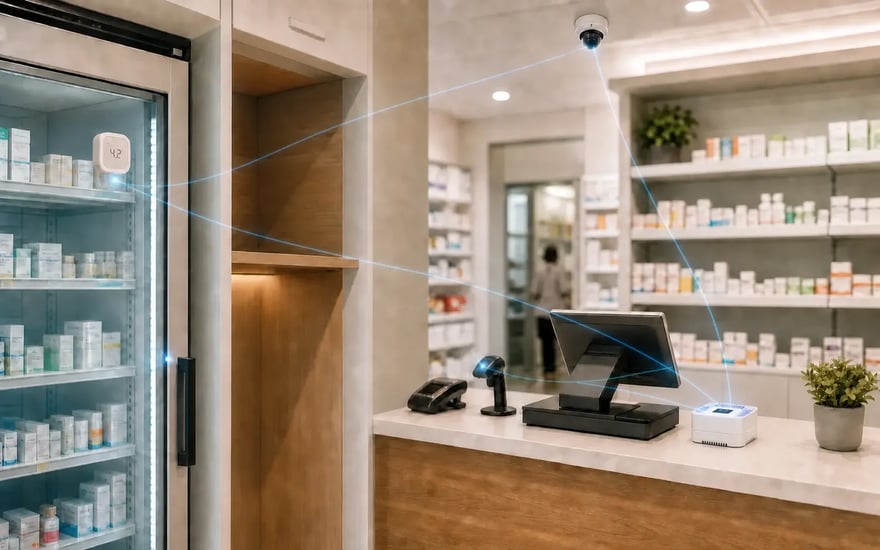
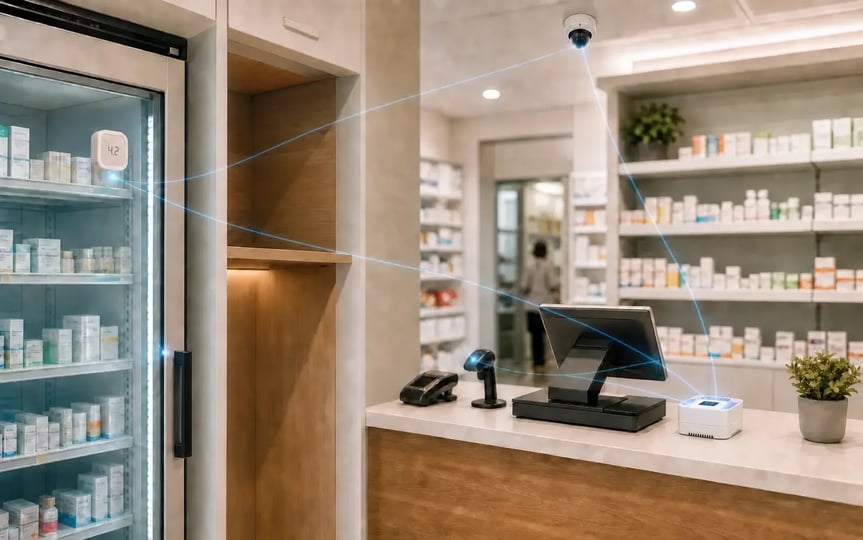
Payments, guest access, refrigeration, cameras, restricted areas, and multi-site operations come together in one managed environment.
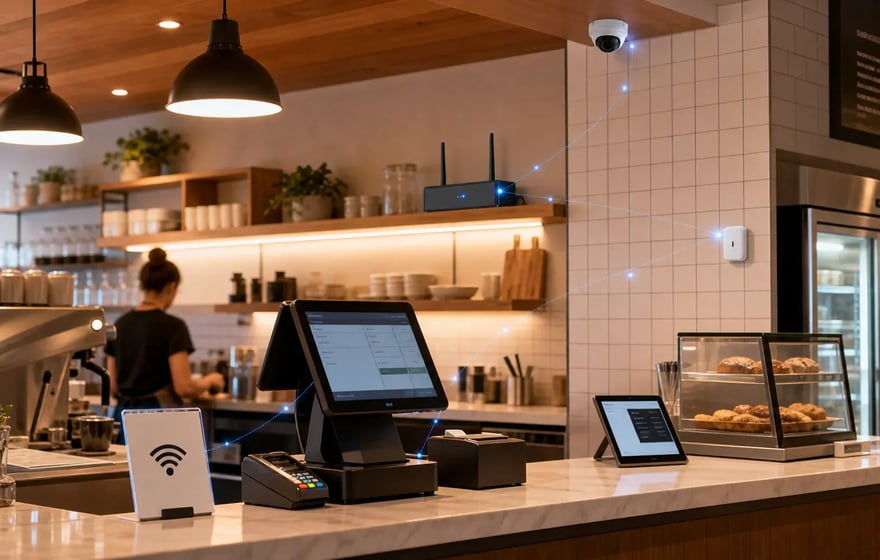
POS, guest Wi-Fi, kitchen systems, walk-in refrigeration, cameras, and delivery access can be connected, protected, and monitored together.
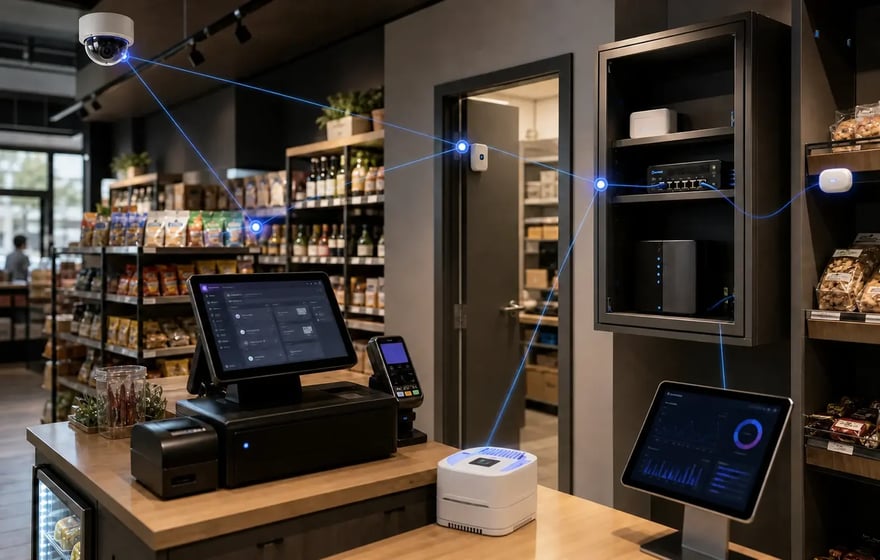
Transactions, staff devices, cameras, stockrooms, refrigerated displays, and guest access can operate from one managed site foundation.
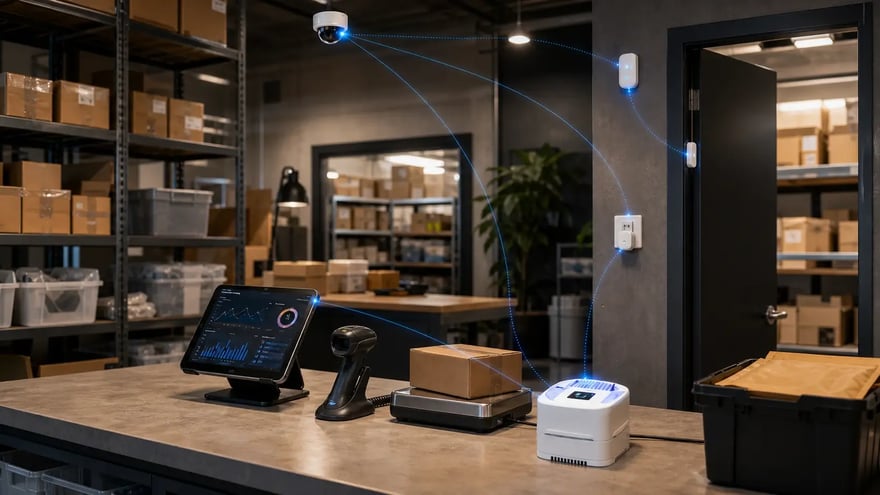
Entrances, equipment, environmental conditions, cameras, access points, and critical inventory can become one operating record.
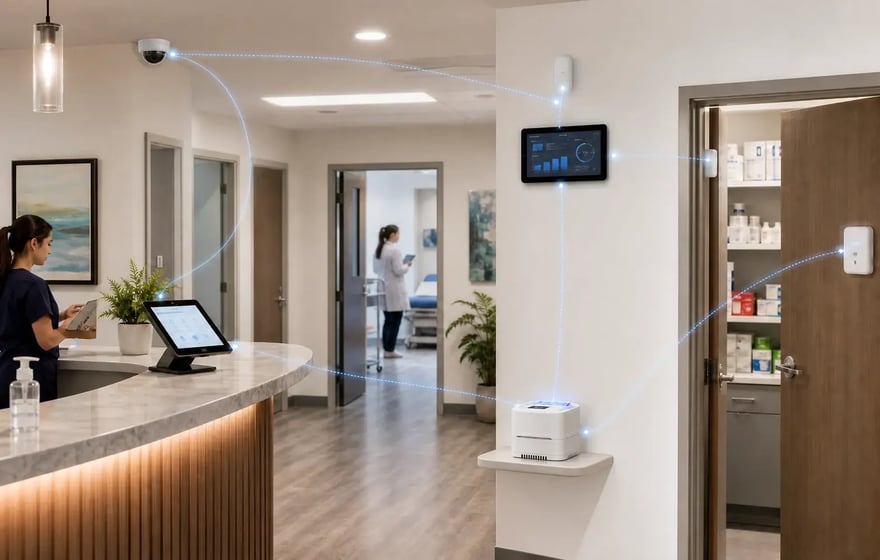
Guest access, staff devices, cameras, temperature-sensitive storage, restricted rooms, and local systems can be managed together.
Routers, firewalls, cameras, and IoT platforms each solve part of the location. VigiLynx brings the parts together so the site can be connected, protected, monitored, analyzed, and improved as one managed service.
| What the location needs | A router or firewall alone | A camera or IoT system alone | VigiLynx |
|---|---|---|---|
| Site connectivity | Yes. Built for routing, firewalling, and Wi-Fi | No. Requires an existing network | Yes. Wired or 5G broadband, managed Wi-Fi, and optional failover |
| Endpoint trust | Partial. Applies network rules, but usually lacks business context | No. Typically sees only its own devices | Yes. Separates guest, payment, staff, camera, and sensor endpoints |
| Cameras and sensors | No. Passes traffic to someone else's system | Yes. Manages devices inside its own ecosystem, often through vendor cloud paths | Yes. Brings cameras and sensors together through AIoT |
| Asset-centered incidents | No. Events must be reconstructed across separate logs | Partial. Clips or alerts provide only partial context | Yes. Asset, readings, video, policy, alert, and response in one incident |
| Local applications | No. Typically not a general-purpose site application platform | No. Software is usually tied to that device ecosystem | Yes. Approved local applications run on the VeeaHub edge-compute foundation |
| Operational memory and intelligence | Partial. Network logs without business asset context | Partial. Device history may live in separate vendor clouds | Yes. Asset memory that connects readings, events, video, policies, and relationships |
| Service ownership | Partial. Network provider or IT team | Partial. Camera or IoT specialist | Yes. One integrated managed-service model |
Category comparison; capabilities vary by product, configuration, and deployment model.
Not another point product. One platform connecting security, local applications, physical monitoring, analytics, incidents, and operational history across the entire location.
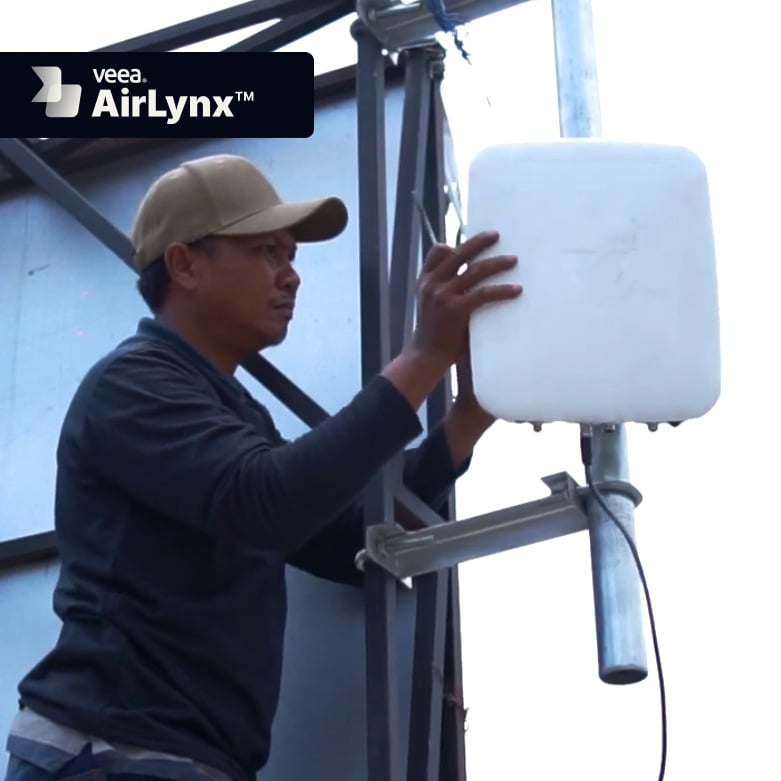
Extend broadband service across communities without wiring every home.
Learn more
Bridging ecosystems, transforming spaces with edge-intelligent automation.
Learn more
Deliver managed enterprise security through a VeeaHub, without adding a separate security appliance at each site.
Learn more
Named deployments and what changed at each site.
Learn moreA concrete launch path
Deploy representative sites, validate the operating workflow, and turn the results into a repeatable rollout plan.
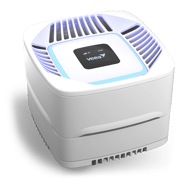 VeeaHub
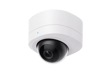
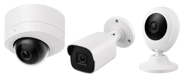 Cameras
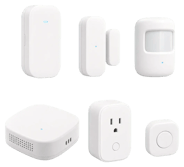 Sensor kit
Representative pilot configuration. Exact devices, accessories, included software capabilities, connectivity services, and pricing are defined by market and deployment plan.
Tell us about your pilot