
Get started with Veea

Tell us about your sites and what you want to run on them, and a Veea team member will follow up.

Prefer the full page? Go to Contact.

VeeaHub edge systems · VeeaONE Platform™

Purpose-built edge systems for VeeaONE

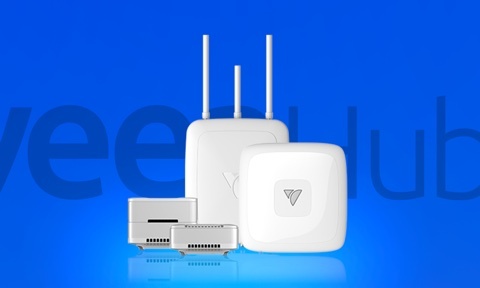
VeeaHubs bring computing, networking, IoT connectivity and application hosting together in indoor and outdoor systems—all deployed and managed through VeeaONE.
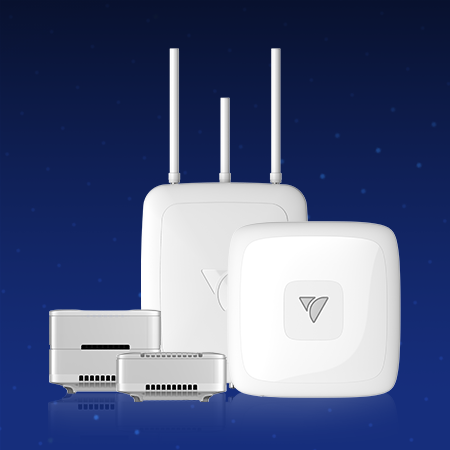
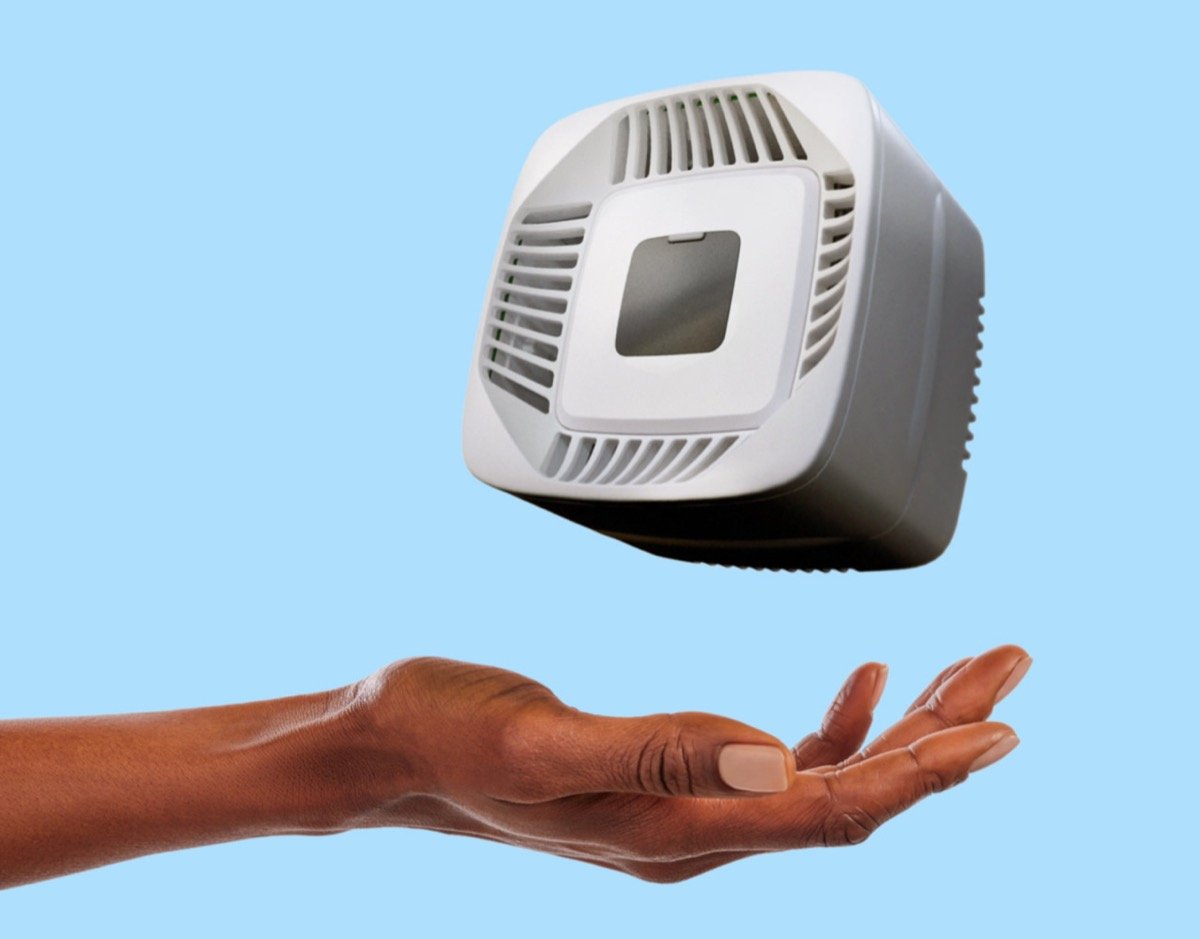
The VeeaHub family: STAX, Pro, Pro S, Pro Outdoor and Pro Outdoor S.
  • VeeaHub STAX
  • VHC25
  • VeeaHub Pro
  • VHE09
  • VeeaHub Pro S
  • VHE10
  • VeeaHub Pro Outdoor
  • VHH09
  • VeeaHub Pro Outdoor S
  • VHH10
  • vMesh
  • Secure Docker containers
  • Bluetooth LE
  • Zigbee 3.0
  • Thread
  • IPv4 / IPv6 dual-stack
  • 802.1Q VLAN
  • 802.1x
  • VxLAN
  • Stateful firewall
  • Signed software only
  • Veea Control Center
  • VeeaHub Manager
  • VeeaCloud
At a glance

Four functions in one edge system

VeeaHubs combine capabilities that sites often deploy and manage separately.

  • Network access

    Enterprise Wi-Fi with roaming, network segmentation and centrally managed configuration. Wi-Fi generation and capacity vary by model.

  • Device connectivity

    Connect supported devices and sensors using Bluetooth LE, Zigbee and Thread, with LoRaWAN and wired interfaces available on selected models.

  • Mesh networking

    Use wired or wireless vMesh connections to connect VeeaHubs and extend coverage across the site.

  • Edge computing

    Run signed containerized applications close to devices and data on integrated Linux-based compute.

Find your VeeaHub

Start with where it will run

Choose the site environment to see which VeeaHub family is designed for it. The required connectivity, interfaces and workload will determine the exact model and configuration.
The site
Choose an environment
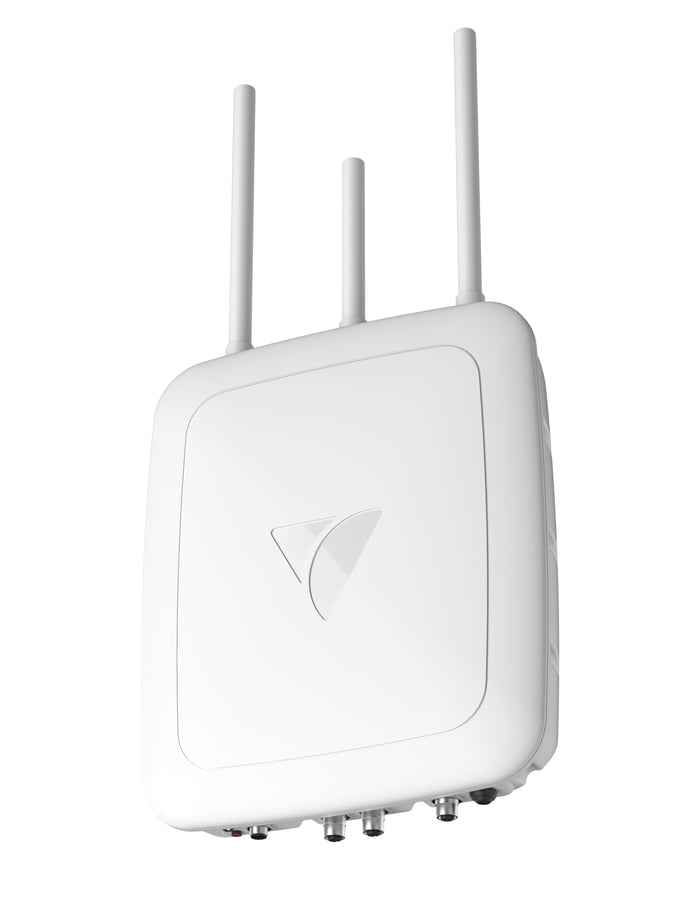
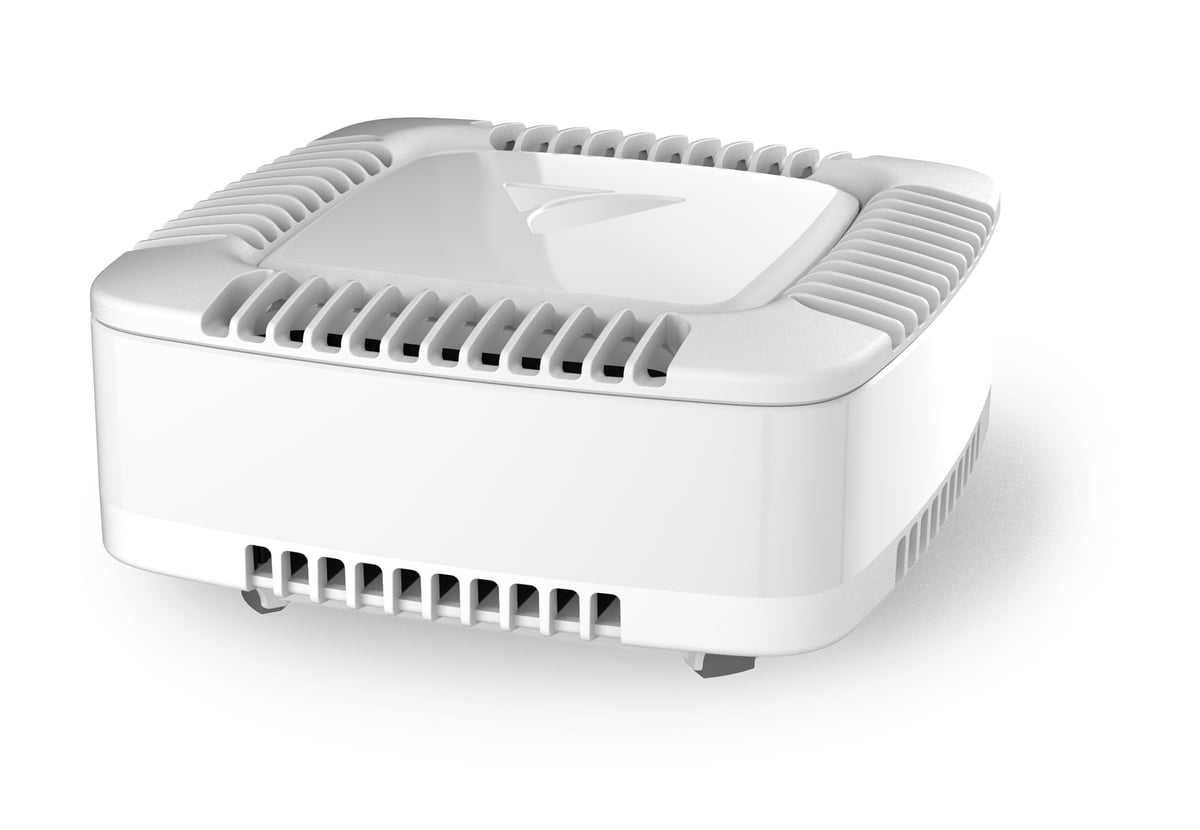
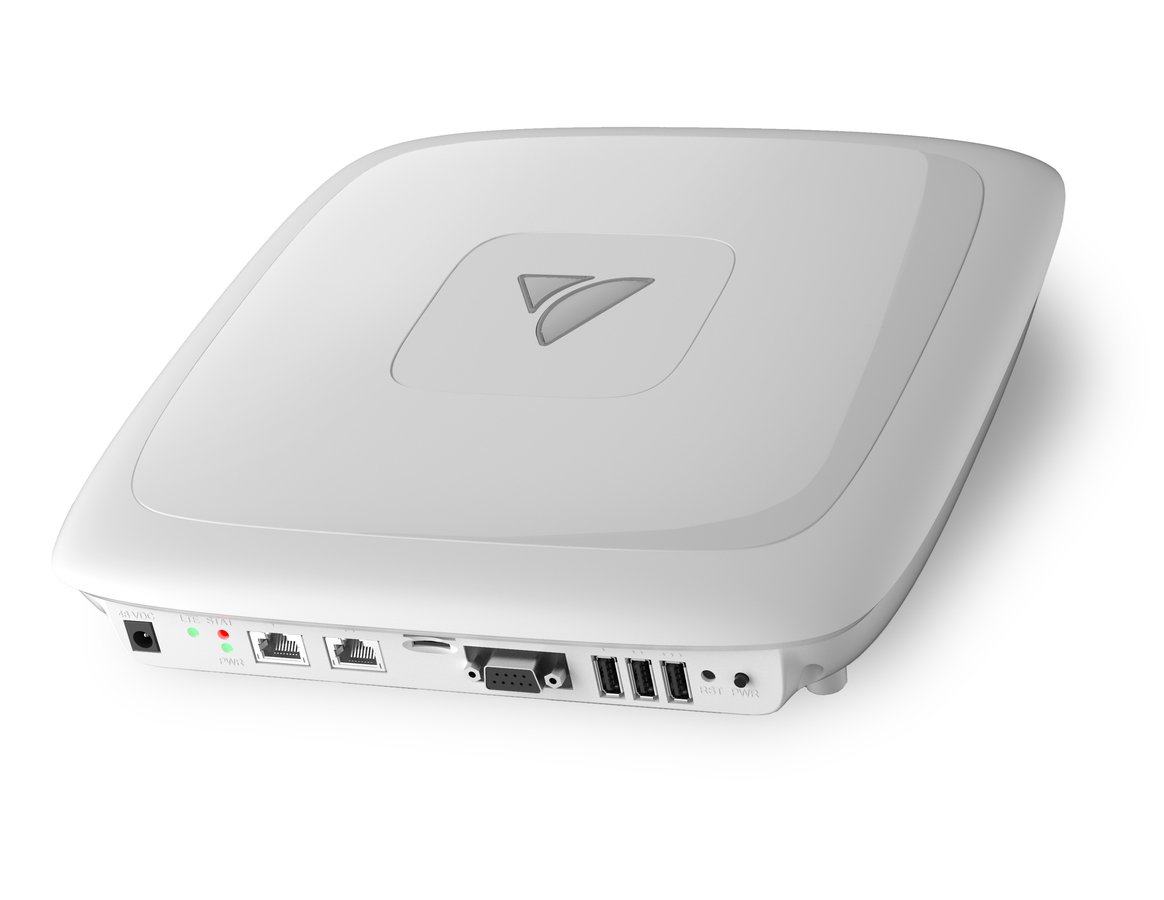
VeeaHub STAX, a hand-sized white indoor hub. VeeaHub Pro, a white indoor hub for desk, ceiling or wall mounting. VeeaHub Pro Outdoor, a sealed white hub for wall or pole mounting.

VeeaHub STAX VHC25

One hand-sized unit for the room that has to do everything at once — Wi-Fi, sensors, mesh and the applications, on a desk or a ceiling.

  • Wi-Fi 6, tri-band, 12 SSIDs, 128 clients per radio
  • 107 × 107 × 49 mm and 0.41 kg — it fits where the room has space
  • 15.8 W typical on a 12 VDC supply
  • Order it with PoE++ multi-gig up to 10G, 1 or 2 TB of NVMe, or 5G Sub-6

VeeaHub Pro / Pro S VHE09 VHE10

The unit for the ceiling tile and the wiring closet. It takes power and data from the building you already have, and talks to the equipment that was there first.

  • PoE in on port 1 (802.3bt Type 3), 5GBASE-T out
  • Three USB 3.0 ports and a 9-pin serial port
  • 4×4 5 GHz at 1733 Mbps on four internal antennas
  • Busy floor: the Pro S gives the mesh a 5 GHz radio of its own, 12 SSIDs and 4 GB with an 8 GB option. Sensor floor: the Pro offers optional LoRaWAN indoors.

Pro Outdoor / Outdoor S VHH09 VHH10

A full VeeaHub on a wall or a pole, out where the sensors and the acres are. It goes up where the site is, not where the cabinet is.

  • IP65 sealed, rated −40 to 65 °C
  • LoRaWAN built into the Pro Outdoor — 900, 868 or 470 MHz
  • Pro Outdoor S carries its own uplink: 5G Sub-6, or LTE to CAT-19
  • M12 ports, PoE in, 4 GB with an 8 GB option

Whichever one goes in — the same mesh, the same containers, the same management.

Across the VeeaHub family

A common platform foundation

Every VeeaHub is designed to work as a native VeeaONE edge system, with common services for application delivery, networking, security and centralized management. Available capabilities depend on the selected model, software, licensing and deployment configuration.

Management
  • VeeaCloud
  • Veea Control Center
  • VeeaHub Manager
  • Fleet and tenant administration
Applications
  • Signed containerized applications
  • Remote application deployment
  • Software-defined networking
  • Developer tools and APIs
Networking
  • Wired and wireless vMesh
  • IPv4 and IPv6
  • Stateful firewall
  • VLAN, 802.1X and VXLAN support
Security
  • Hardware-protected device identity
  • Verified startup
  • Signed software
  • Hardware cryptography
Choose the model that fits the site

Common capabilities across the VeeaHub family include Bluetooth, Bluetooth LE, Zigbee, Thread, integrated storage and fanless operation. Available radios, storage, interfaces and certifications vary by model, configuration and country.

With no fans or other moving parts, VeeaHubs operate quietly and require no fan maintenance.

VeeaHubs are Veea’s purpose-built edge systems for VeeaONE. The platform can also support qualified third-party systems when a deployment requires different compute, storage or acceleration.

The differences

Compare the models

Every VeeaHub works with the same VeeaONE platform, but the hardware is designed for different environments and requirements. Compare wireless connectivity, memory, interfaces, expansion options and environmental ratings to narrow the choice.

Specification VeeaHub STAX VHC25 VeeaHub Pro VHE09 VeeaHub Pro S VHE10 VeeaHub Pro Outdoor VHH09 VeeaHub Pro Outdoor S VHH10
Wi-Fi generation Wi-Fi 6 (802.11ax) Wi-Fi 5 (802.11ac) Wi-Fi 5 (802.11ac) Wi-Fi 5 (802.11ac) Wi-Fi 5 (802.11ac)
5 GHz arrangement Two 5 GHz radios, 2×2 One shared radio, 4×4 Own radio for the mesh, 4×4 One shared radio, 4×4 Own radio for the mesh, 4×4
Memory 3 GB 2 GB, 4 GB option 4 GB, 8 GB option 4 GB, 8 GB option 4 GB, 8 GB option
Cellular options 4G CAT-6 to CAT-19, or 5G Sub-6 4G CAT-4 4G CAT-4 4G CAT-4 4G CAT-4 or CAT-6 to CAT-19, or 5G Sub-6
LoRaWAN Optional Built in Optional
Operating range 0 to 40 °C 0 to 50 °C 0 to 50 °C −40 to 65 °C, IP65 −40 to 65 °C, IP65
Size and weight 107 × 107 × 49 mm · 0.41 kg 280 × 275 × 61 mm · 2.5 kg 280 × 275 × 61 mm · 2.5 kg 360 × 295 × 90 mm · 2.8 kg 360 × 295 × 90 mm · 2.8 kg
Deployment

From installation to operation

VeeaHubs use a common VeeaONE deployment and management process across the product family.

  1. Power it

    STAX uses 12 VDC or optional PoE++; Pro and Outdoor models use 48 VDC or PoE 802.3bt Type 3.

  2. It joins the mesh

    The VeeaHub connects through wired or wireless vMesh according to the site configuration.

  3. It registers with VeeaCloud

    After provisioning, the unit appears in Veea Control Center and the VeeaHub Manager app.

  4. Your containers deploy

    Approved, signed containerized applications are distributed through the platform and verified before they run.

  5. Local devices connect

    Connect supported Wi-Fi, Bluetooth LE, Zigbee and Thread devices, with serial and LoRaWAN available on selected models and configurations.

  6. Work happens on site

    Applications process data and perform configured actions on the VeeaHub, close to the devices that produced the data.

The same VeeaONE management workflow extends across the VeeaHub family.

Questions

Deploying and managing a VeeaHub fleet

Can I mix VeeaHub models in one deployment?

Yes. Different VeeaHub models can be managed within the same VeeaONE deployment and can participate in a common vMesh when supported and configured. The network topology, radios and backhaul used at each location depend on the model and site design.

How do I deploy a VeeaHub without a wired uplink?

Supported VeeaHub configurations can use cellular connectivity or wireless vMesh for backhaul. Available 4G and 5G options vary by model and country. The installation still requires an appropriate power source.

What runs on a VeeaHub?

VeeaHubs run approved, signed containerized applications supported by the selected model's processing, memory, storage and interfaces. Developers can build applications using Veea development tools and distribute them through the platform.

How is a VeeaHub fleet managed?

Veea Control Center provides centralized provisioning, configuration, software deployment and fleet oversight. Supported local and mobile management functions are also available through VeeaHub Manager. New units appear in the appropriate management environment after they are claimed and provisioned.

Find the right edge system for your site

Tell us about the environment, available power and backhaul, devices that need to connect, and applications that need to run locally. We'll help you identify the appropriate VeeaHub model and configuration—or a qualified third-party system when the deployment calls for different hardware.